Custom Models in Oh My Pi: vLLM, llama.cpp, SGLang and More
Custom models let you run Oh My Pi (omp) on local models, or on models from providers it doesn’t support out
of the box. omp reads them from ~/.omp/agent/models.yml. Below are working configs for the popular
inference servers and for a gateway. After those come model roles, an allowlist that keeps omp off hosted
models, thinking effort, fallbacks, and a way to log what omp sends.
There have been recent changes to omp. If you copied the config from my tuning post, update it for omp 18.2.7 and later:
- Rename the provider from
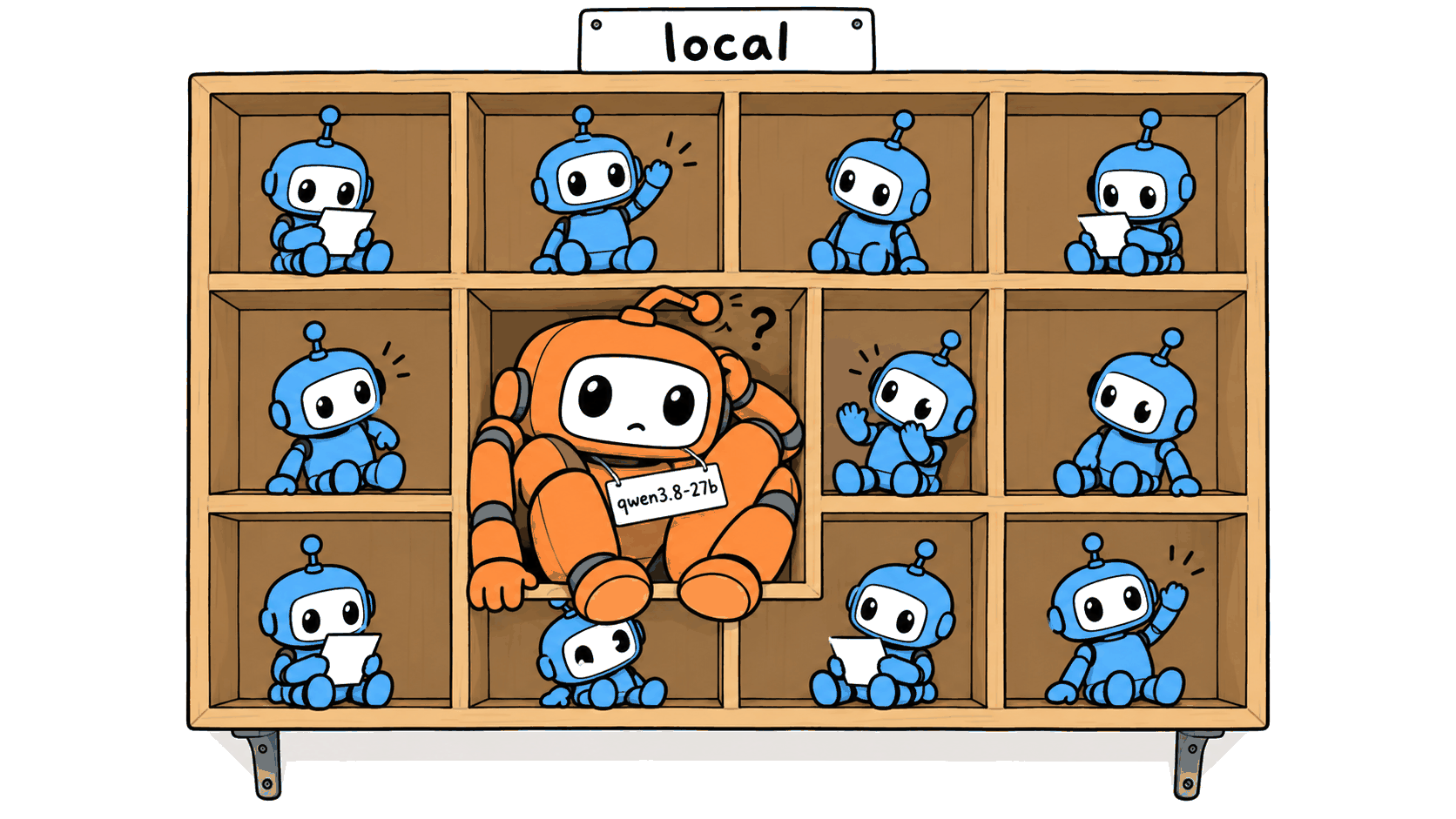
localto a name omp doesn’t already use, and update themodelRolesentries to match. omp now has its ownlocalprovider for small on-device models, so your Qwen model under that name stops resolving. - Add
qwenTemplateReasoningEffort: trueto the model’scompatblock. Without it, omp stops sending Qwen 3.8 an effort level, and the model’s chat template picksxhighevery time.
Inference servers 🔗
vLLM 🔗
For a single vLLM server, this is all you need in models.yml:
providers:
  vllm:
    baseUrl: http://192.168.1.20:8000/v1
    auth: none
    compat:
      extraBody:
        thinking_token_budget: 8192  # needs server support
    modelOverrides:
      qwen3.8-27b:                   # the name vLLM serves
        maxTokens: 32768
omp gets the model list and context window from vLLM itself, and sends Qwen 3.8’s effort level without any extra setting.
llama.cpp, LM Studio and Ollama 🔗
omp finds these on its own when they’re running locally on their default ports (8080, 1234, and 11434). For
one on another machine, set LLAMA_CPP_BASE_URL, LM_STUDIO_BASE_URL, or OLLAMA_HOST, or add the URL to
models.yml:
providers:
  llama.cpp:
    baseUrl: http://192.168.1.20:8080
    api: openai-responses
    auth: none
    discovery:
      type: llama.cpp
llama.cpp and LM Studio get Qwen 3.8’s effort level automatically, like vLLM.
SGLang, Lemonade, ninfer and the rest 🔗
These have no built-in provider, but they speak the OpenAI API, so declare one and let omp read the model list:
providers:
  sglang:
    baseUrl: http://192.168.1.20:30000/v1
    api: openai-completions
    auth: none
    discovery:
      type: openai-models-list
    compat:
      qwenTemplateReasoningEffort: true  # for Qwen 3.8
SGLang listens on port 30000, Lemonade on 13305, and ninfer on 8080, all under /v1. ninfer ignores
thinking_token_budget, so set its budget with --default-thinking-budget when you start
it. The omp-ninfer project has a tested omp setup for it.
Gateways and hand-listed models 🔗
A gateway, or two servers of the same kind, needs a provider of your own too. Give it a name omp doesn’t already use. I name mine after the gateway or machine behind it, and list the models by hand. Here’s the 27B entry from my Bifrost gateway:
providers:
  bifrost:
    baseUrl: http://192.168.1.10:8080/v1
    api: openai-completions
    apiKey: MY_GATEWAY_API_KEY               # env var (else literal)
    headers:
      x-bf-passthrough-extra-params: "true"  # or extraBody is dropped
    models:
      - id: rtx3090/qwen3.8-27b              # Bifrost's provider/model
        name: qwen3.8-27b
        contextWindow: 262144
        maxTokens: 32768
        reasoning: true
        input: [text]
        cost: {input: 0, output: 0, cacheRead: 0, cacheWrite: 0}
        thinking:
          mode: effort
          efforts: [low, medium, xhigh]
          defaultLevel: medium
        compat:
          qwenTemplateReasoningEffort: true  # needed since 18.2.7
          extraBody:
            thinking_token_budget: 8192
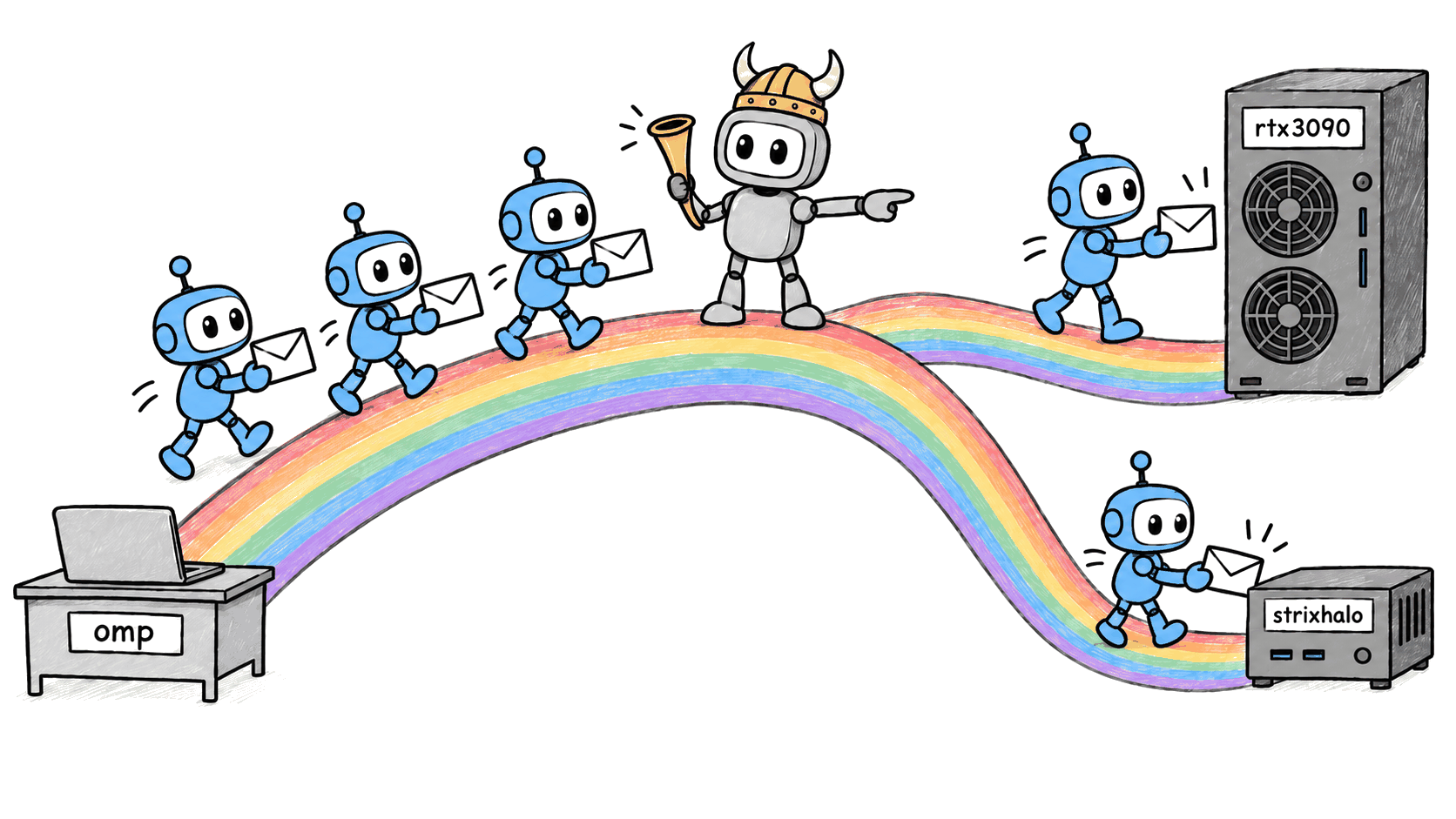
Bifrost picks the backend from the part of the id before the slash. rtx3090/ is a box with two RTX 3090s,
and strixhalo/ is the mini PC running Qwen3.8 Flash Next.
If apiKey starts with !, omp runs it as a command, which works with a password manager like 1Password:
"!op read op://dev/gateway/key".
Model roles 🔗
modelRoles in ~/.omp/agent/config.yml decides which model does which job. default is the main agent
and task runs subagents. A few more cover jobs like plan mode and commit messages. You can also set them from the Roles view in /model. A :level suffix sets the effort for that
role, and I run subagents at low and plan mode at xhigh:
modelRoles:
  default: bifrost/strixhalo/qwen3.8-flash-next:medium
  plan: bifrost/strixhalo/qwen3.8-flash-next:xhigh
  task: bifrost/rtx3090/qwen3.8-27b:low
  smol: bifrost/rtx3090/qwen3.8-27b:low
Keeping omp on your own models 🔗
If a role’s model doesn’t resolve, or models.yml doesn’t parse, omp doesn’t stop. It falls back to the
default model of a known provider it can use, and failing that, the first model it can use at all. It can
use any provider that needs no key or that it has a key for. Keys come from logins, from a few dozen
environment variables, some of which you probably set for other tools, like HF_TOKEN or
AZURE_OPENAI_API_KEY, and from .env files, including one in the project you’re working in. With an
AWS Bedrock token in the environment, the tuning post’s local config sent my test prompt to
Claude Opus 5.5 on Bedrock.
An allowlist in config.yml prevents that:
enabledModels:
  - "bifrost/*"
Now omp only starts on a bifrost model, and stops at startup if none of them resolves. A project’s .omp/config.yml replaces this list
rather than adding to it, so a project with its own list needs bifrost/* in it too.
Thinking effort 🔗
efforts lists the levels the model accepts, and defaultLevel is the one omp uses when a role has no
suffix. Qwen 3.8 takes low, medium, and xhigh.
Keep the thinking_token_budget too. Together with the effort level, it’s what fixed the
five-minute turns in the tuning post,
and I’ve since raised it to 8,192 tokens without seeing the cap make the model worse at real work.
What the catalog fills in 🔗
If you list a model by hand and leave a field out, omp copies it from its built-in catalog. A bare
qwen3.8-27b ends up with a hosted price, image input, and a 65,536-token reply limit. The price only
changes omp’s cost estimate.
omp also ignores a misspelled key and uses the catalog’s value, so maxToken: 32768 gets you the catalog’s
reply limit instead of yours. For your own providers, write out every field in the Bifrost example, and run
omp models <provider> to verify.
Fallbacks 🔗
retry.fallbackChains in config.yml says what to try when a model keeps failing. A key can be a role, a
model, or provider/*:
retry:
  fallbackChains:
    bifrost/strixhalo/qwen3.8-flash-next:
      - bifrost/rtx3090/qwen3.8-27b:medium
    bifrost/rtx3090/qwen3.8-27b:
      - bifrost/strixhalo/qwen3.8-flash-next:low
If a model’s server is down, omp moves to the next one in its chain and, by default, switches back on its own
later. A hosted model can go in a chain if it’s also in enabledModels, but then omp can start on it when a role doesn’t resolve.
What changed in 18.2.7 🔗
Both changes are in the 18.2.7 release notes.
The local provider is under Added:
Added model-kind and grounded-search capability metadata, along with catalogs for local inference and search-engine models.
The effort change is under Changed:
Improved model routing and thinking-policy handling for llama.cpp Qwen models, Bonsai lineage aliases, and custom provider names.
Logging what omp sends 🔗
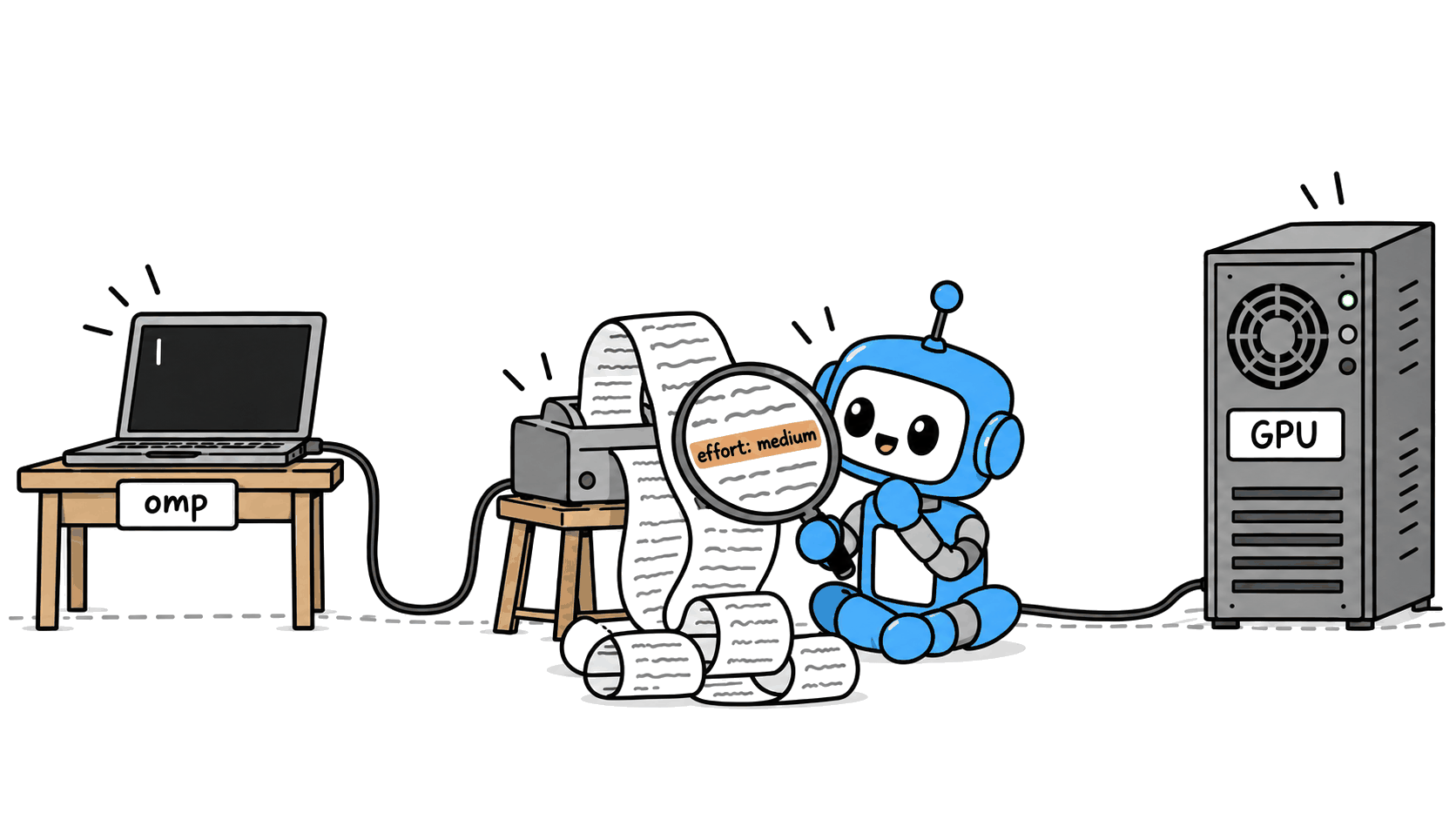
When omp does something odd with a model, I print what it’s sending. This simple script just prints each request body, minus the messages and tools, and answers “hi”:
import json
from http.server import BaseHTTPRequestHandler, HTTPServer


def sse_chunk(delta, finish):
    choice = {"index": 0, "delta": delta, "finish_reason": finish}
    chunk = {"object": "chat.completion.chunk", "choices": [choice]}
    return f"data: {json.dumps(chunk)}\n\n".encode()


class Handler(BaseHTTPRequestHandler):
    def do_POST(self):
        length = int(self.headers["Content-Length"])
        body = json.loads(self.rfile.read(length))
        body.pop("messages", None)
        body.pop("tools", None)
        print(json.dumps(body, indent=2), flush=True)
        self.send_response(200)
        self.send_header("Content-Type", "text/event-stream")
        self.end_headers()
        self.wfile.write(sse_chunk({"content": "hi"}, None))
        self.wfile.write(sse_chunk({}, "stop"))
        self.wfile.write(b"data: [DONE]\n\n")


HTTPServer(("127.0.0.1", 18080), Handler).serve_forever()
Copy your model into a scratch models.yml under a provider named test, with
baseUrl: http://127.0.0.1:18080/v1, api: openai-completions and auth: none. Add enabledModels: ["test/*"] to a scratch config.yml so nothing
can fall back to a hosted model. Put both files in one directory and point omp at it, using your model’s id:
mkdir -p /tmp/omp-test  # models.yml and config.yml go here
PI_CODING_AGENT_DIR=/tmp/omp-test \
  omp -p --no-session --model test/qwen3.8-27b:medium "Say hi."
I had help with this one. Anthropic’s Claude helped me test omp’s releases against the logging server and draft this post. I read all the words, checked the results, and rewrote anything that sounded like a chatbot, so the mistakes are mine.
Sources 🔗
- omp releases: 18.2.7 and 18.3.0
- omp docs at 18.3.0: models.md, settings.md, and environment-variables.md
- omp’s Qwen 3.8 effort rules:
vllmandlm-studioandllama.cpp - omp’s built-in
localprovider - Bifrost (
provider/modelrouting) - Engine docs: SGLang server arguments (port 30000), Lemonade’s OpenAI-compatible API (port 13305), and ninfer serving (port 8080,
--default-thinking-budget)